Use the evidence and practical questions in this article to test your own assumptions. Any worked examples use hypothetical inputs.
A QR code is a route to content
A QR code can open a website or initiate another action; its printed appearance does not establish that the destination is trustworthy. The FTC has warned about fraudulent stickers placed over legitimate parking codes. Before opening a payment page, preview the destination and inspect the physical sign for tampering. A familiar logo or a padlock does not prove the page belongs to the parking operator. Check the actual domain and the operator’s official payment instructions instead of following visual branding alone.
Use an independently verified payment path
For parking, open the known official app or type the operator’s verified website, then confirm the zone and vehicle details. Do not invent a zone number from a nearby lot. If uncertain, use another officially supported payment method or contact the operator through a known number. A hypothetical visitor in Miami should resolve payment before leaving the car, because avoiding a suspicious link does not itself satisfy parking requirements. Keep the legitimate receipt showing the correct location and time.
Avoid downloads and urgent credential requests
Be cautious when a scan unexpectedly asks for an app download, account password, payment-card details or a one-time code unrelated to the intended task. Use the device’s built-in camera where appropriate rather than installing a scanner from an advertisement. Inspect links from messages and mailed packages with the same care as public signs. A QR code is not inherently malicious, but an unexpected chain of redirects or pressure to pay immediately should trigger independent verification before proceeding.
Respond according to what was exposed
If you entered card information, contact the issuer through its official channel and review unauthorized activity. If you entered a password, change it through the real service and secure reused credentials and active sessions. If you installed software, seek appropriate device-security assistance. Preserve the suspicious address, receipt and location without revisiting the site unnecessarily. Report tampered public signage to the operator and suspected fraud to the relevant official channel. Do not send verification codes or pay a recovery fee to someone who contacts you afterward.
Save the correct parking receipt
Confirm location, vehicle plate, paid period and operator on the genuine receipt. A payment to a fraudulent site may not create a valid parking session. Contact the real operator if the payment status is unclear, and handle any card exposure separately with the issuer.
Image source and usage
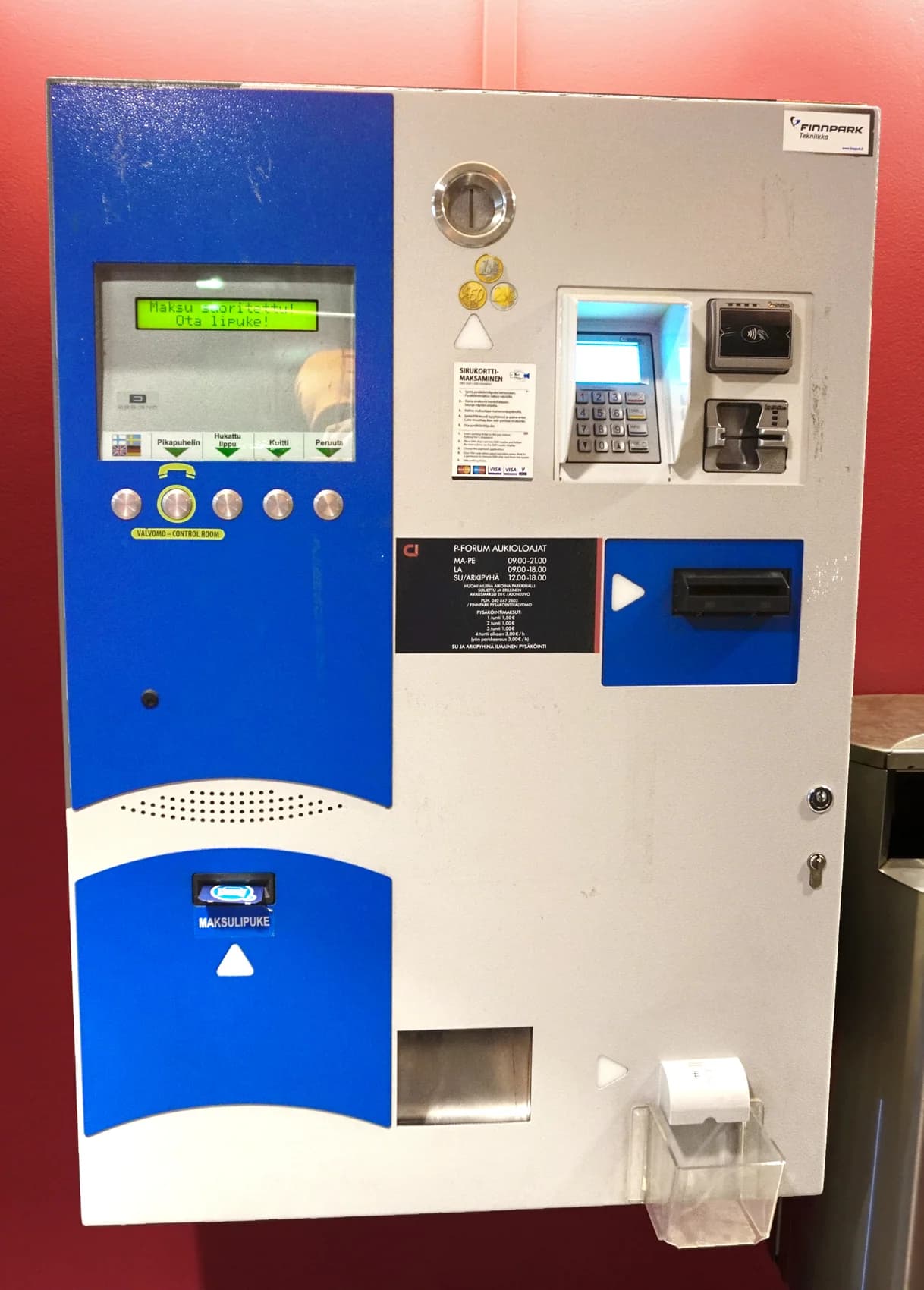
A parking payment machine, shown as a payment-verification reference
Tiia Monto
Source image · Image-use terms
Web versions are resized and compressed; attribution and applicable source terms are retained.
Frequently asked questions
Does HTTPS prove the payment site is genuine?
No. Check the domain, operator and independently verified payment instructions.
Can I ignore parking after spotting a suspicious code?
No. Use an officially supported alternative or contact the operator and follow its instructions.
Sources & further reading
- Scammers hide harmful links in QR codes to steal your information | Consumer Advice
- Internet Crime Complaint Center (IC3) | Cybercriminals Tampering with QR Codes to Steal Victim Funds
Source links checked October 23, 2026. Rules and availability may change; verify current terms directly. Read our editorial standards.