Use the evidence and practical questions in this article to test your own assumptions. Any worked examples use hypothetical inputs.
Define the restaurant workflow first
A restaurant POS selection begins with how an order moves through the business. Map counter service, table service, takeaway, delivery and refunds before comparing screens. Identify where modifiers, allergies, discounts and split payments must be handled accurately. A system suitable for a small café may create unnecessary complexity in another operation, while a simpler tool may lack a needed kitchen function. SBA financial-management resources and PCI merchant guidance help frame cost and payment responsibilities. The goal is a working service process with reliable records, not the longest feature list or the most attractive hardware photograph.
Compare the full recurring and transaction cost
Ask each supplier to quote the same number of locations, terminals and required integrations. Include software, payment processing, hardware lease or purchase, installation, training, support and cancellation terms. Compare using a representative month’s transaction count and average ticket. A percentage rate alone can conceal fixed per-transaction charges or paid add-ons. Ask how refunds and disputes appear in statements and how sales reconcile with deposits. Keep taxes, tips and staff payouts distinguishable in reports. Do not assume a bundled payment arrangement can be changed without replacing or reconfiguring other parts of the service.
Train staff on exceptions before a busy service begins. A refund, unavailable item or split bill should have an approved procedure. Keep an escalation contact and review the first real closing report with the person responsible for reconciliation.
Run a service simulation before signing
Have actual staff enter a modified order, send it to the kitchen, split the bill and issue a refund in the approved demonstration environment. Ask what happens during an internet interruption and how duplicate or delayed payments are prevented. Test the reports the owner needs at closing. Obtain current answers about data export, contract renewal and who supports the restaurant during a busy evening. A hypothetical trial that saves seconds at entry but produces confusing kitchen tickets may reduce overall service quality. Choose the configuration that completes the whole order accurately, then train and review it during real operations.
- Quote equivalent locations, terminals, integrations and transaction volume.
- Simulate exceptions, refunds and a lost connection.
- Verify reports, support coverage and data export before signing.
Image source and usage
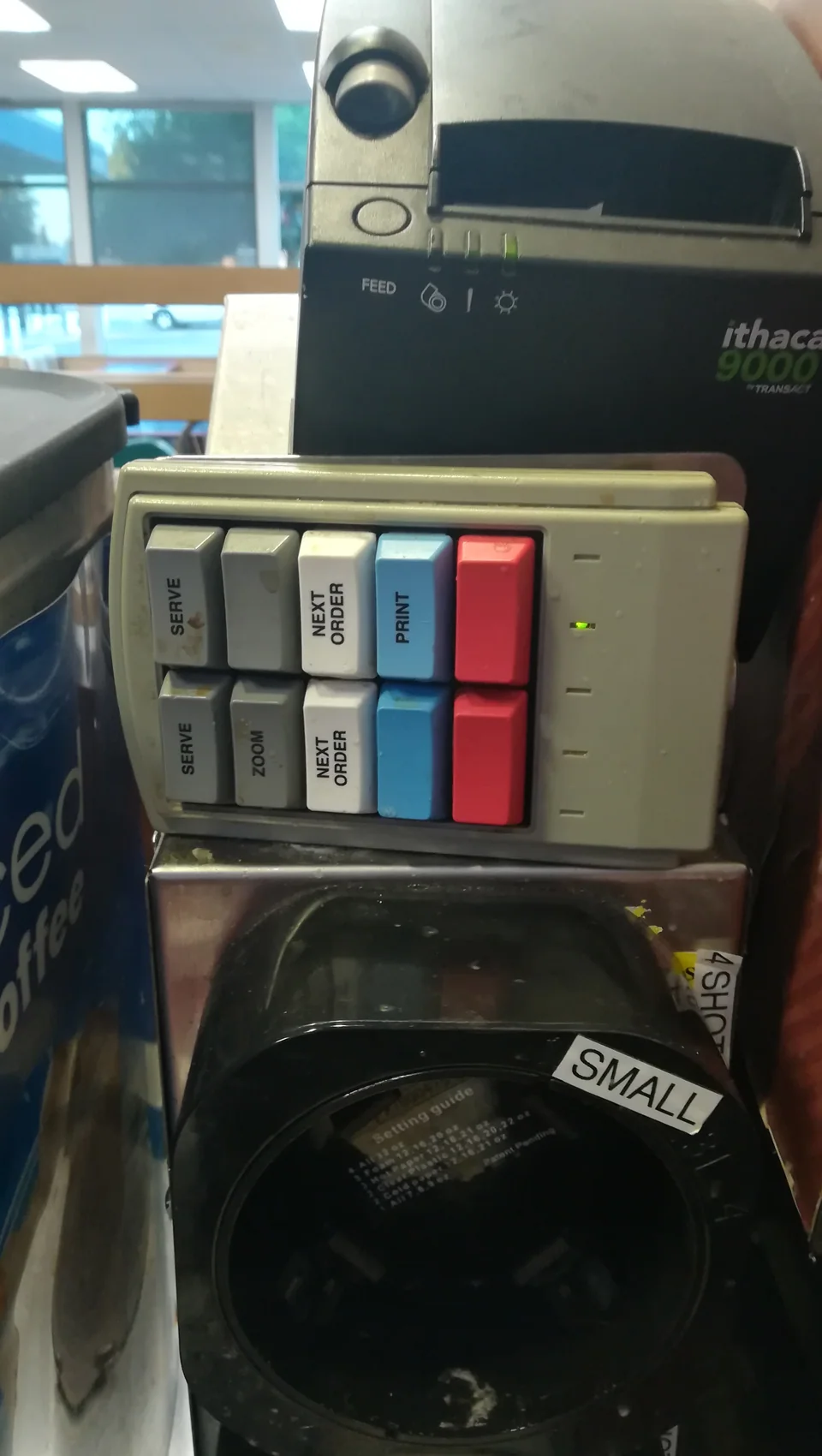
A restaurant order-management keypad, shown as a POS reference
UnifiedFunctionality
Source image · Image-use terms
Web versions are resized and compressed; attribution and applicable source terms are retained.
Frequently asked questions
Is the lowest advertised processing rate always cheapest?
No. Include fixed charges, subscriptions, hardware, add-ons and the actual transaction mix.
Should kitchen staff participate in a POS trial?
Yes. Test the entire order flow, including modifications and exceptions, with the people who use it.
Sources & further reading
- PCI Security Standards Council – Protect Payment Data with Industry-driven Security Standards, Training, and Programs
- Manage your business - Small Business Administration
Source links checked October 20, 2026. Rules and availability may change; verify current terms directly. Read our editorial standards.