Use the evidence and practical questions in this article to test your own assumptions. Any worked examples use hypothetical inputs.
Accessibility is part of the customer journey
A customer may use a keyboard, screen reader, magnification or captions to interact with a business website. An inaccessible checkout, booking form or contact control can prevent the person from completing an ordinary task. US Department of Justice guidance describes web accessibility responsibilities for businesses open to the public, while W3C offers preliminary evaluation resources. The applicable legal analysis depends on the business and circumstances. This article provides an operational review, not a legal certification. Start with the essential tasks customers need to finish rather than treating accessibility as a decorative website feature.
Run a small manual test alongside automated checks
Navigate the page without a mouse and confirm that the current focus is visible. Open the menu, follow a link, complete a form and correct an error. Check that labels describe fields and that instructions do not rely only on color. Zoom the page and look for clipped text or controls. Review image alternatives and captions where relevant. Automated tools can identify some issues but cannot establish that every task works. Use a structured manual check and, when possible, feedback from people who use assistive technology to understand real barriers.
Turn findings into owned corrections
Record the affected task, observed barrier and expected behavior for each issue. Prioritize failures that block payment, booking, essential information or contact. Give each correction an owner and retest the task after deployment. Do not assume an overlay or a clean automated score guarantees accessibility or legal compliance. Include accessibility in new content and component reviews so that fixes are not undone by the next campaign. Provide a usable way to report a barrier and route those reports to someone who can act. The useful outcome is demonstrably easier access to the business’s services.
- Test keyboard navigation, forms, zoom and error recovery.
- Combine automated findings with manual task-based review.
- Assign, fix and retest barriers in essential journeys.
Image source and usage
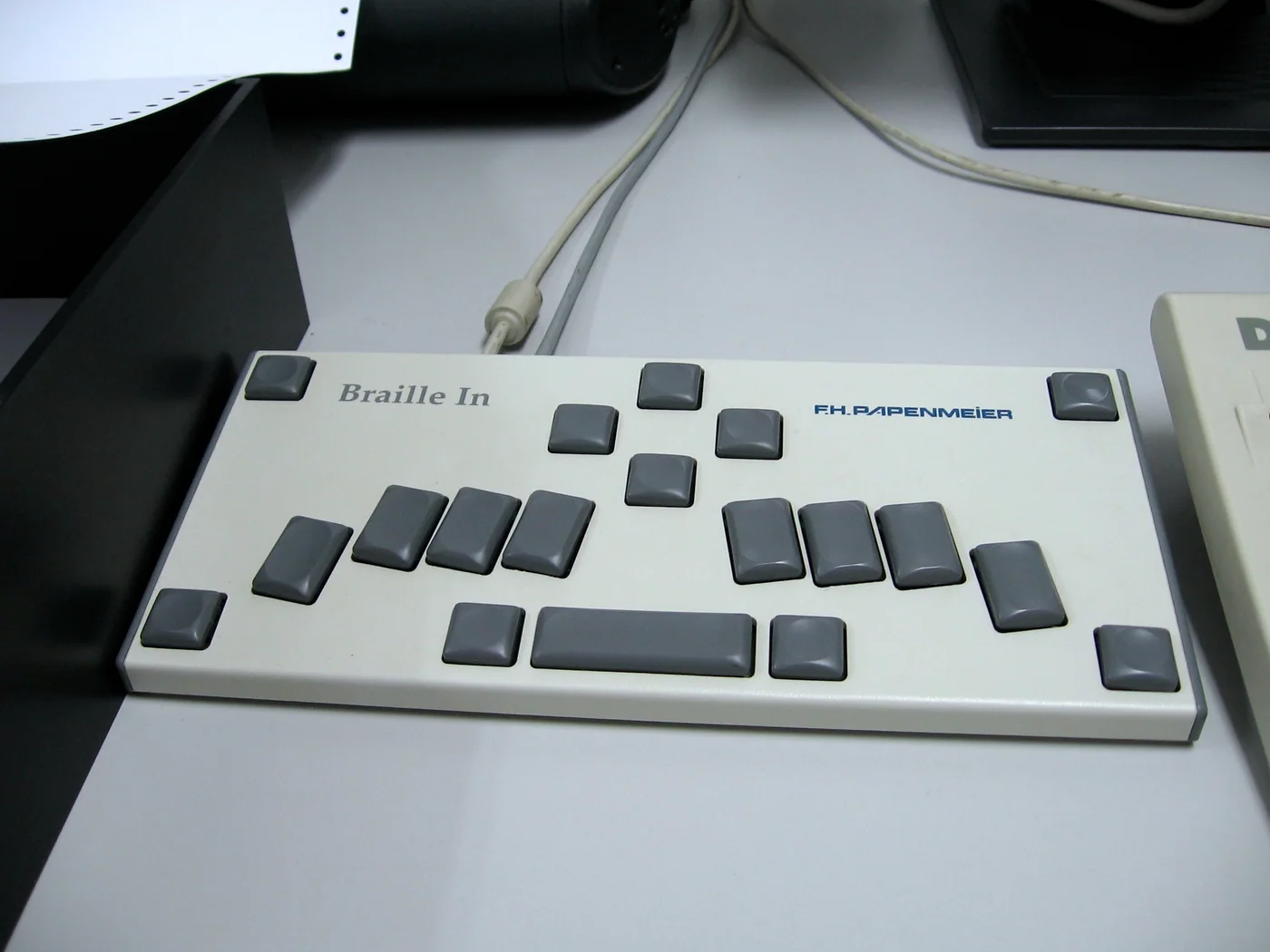
A Braille keyboard at the DASA museum, shown as an accessibility reference
Marcin Wichary
Source image · Image-use terms
Web versions are resized and compressed; attribution and applicable source terms are retained.
Frequently asked questions
Does a clean automated scan prove accessibility?
No. Manual task testing and appropriate user feedback remain important.
Does this checklist certify ADA compliance?
No. Applicable obligations require context-specific review; this is an operational starting point.
Sources & further reading
- Guidance on Web Accessibility and the ADA | ADA.gov
- Easy Checks – A First Review of Web Accessibility | Web Accessibility Initiative (WAI) | W3C
Source links checked October 20, 2026. Rules and availability may change; verify current terms directly. Read our editorial standards.