Use the evidence and practical questions in this article to test your own assumptions. Any worked examples use hypothetical inputs.
Separate visitors from business resources
A guest Wi-Fi network should provide suitable internet access without granting ordinary visitors access to business files, printers, payment devices or administration interfaces. A different network name alone does not prove isolation. Review the router or managed network’s actual guest and segmentation features with the responsible technician. For a hypothetical café, customer phones, point-of-sale equipment and office computers should not share unrestricted access merely because they use the same internet connection. Document which device categories belong on each network.
Secure the equipment and management access
Use supported equipment, current firmware and appropriate modern wireless security. Change default administrative credentials and restrict who can manage the network. Keep management separate from the public guest experience. Ask the vendor or technician about client isolation, remote management and device support rather than copying a configuration from an unrelated model. If the router no longer receives updates, review a replacement plan. A strong guest password does not repair an exposed administration panel or a network that allows visitors to reach internal systems.
Test the guest experience safely
Connect a test device as a guest and verify internet access, the intended restrictions and the absence of access to internal resources using authorized checks. Do not probe networks you do not own or administer. Confirm payment devices and staff tools still work after segmentation. Record the configuration and test result so a later replacement router does not silently remove isolation. A successful internet connection proves only connectivity, not that the business boundary is effective.
Manage everyday changes and support
Define who updates guest credentials, handles complaints and approves new business devices. Review password-sharing practices, the intended duration of guest access and any logging or privacy notice with appropriate guidance. Keep a supported recovery method and a private configuration backup. When an employee leaves or a vendor changes, review management access as well as the visible Wi-Fi password. Guest networking is one layer of protection; continue maintaining devices, accounts and backups rather than expecting segmentation to solve every security problem.
Keep an equipment replacement record
After a router replacement or reset, repeat the guest-isolation and business-workflow checks. A factory default can change previously reviewed behavior. Keep the approved configuration privately and confirm that only authorized support personnel retain management access, with a recovery route the business actually controls.
Image source and usage
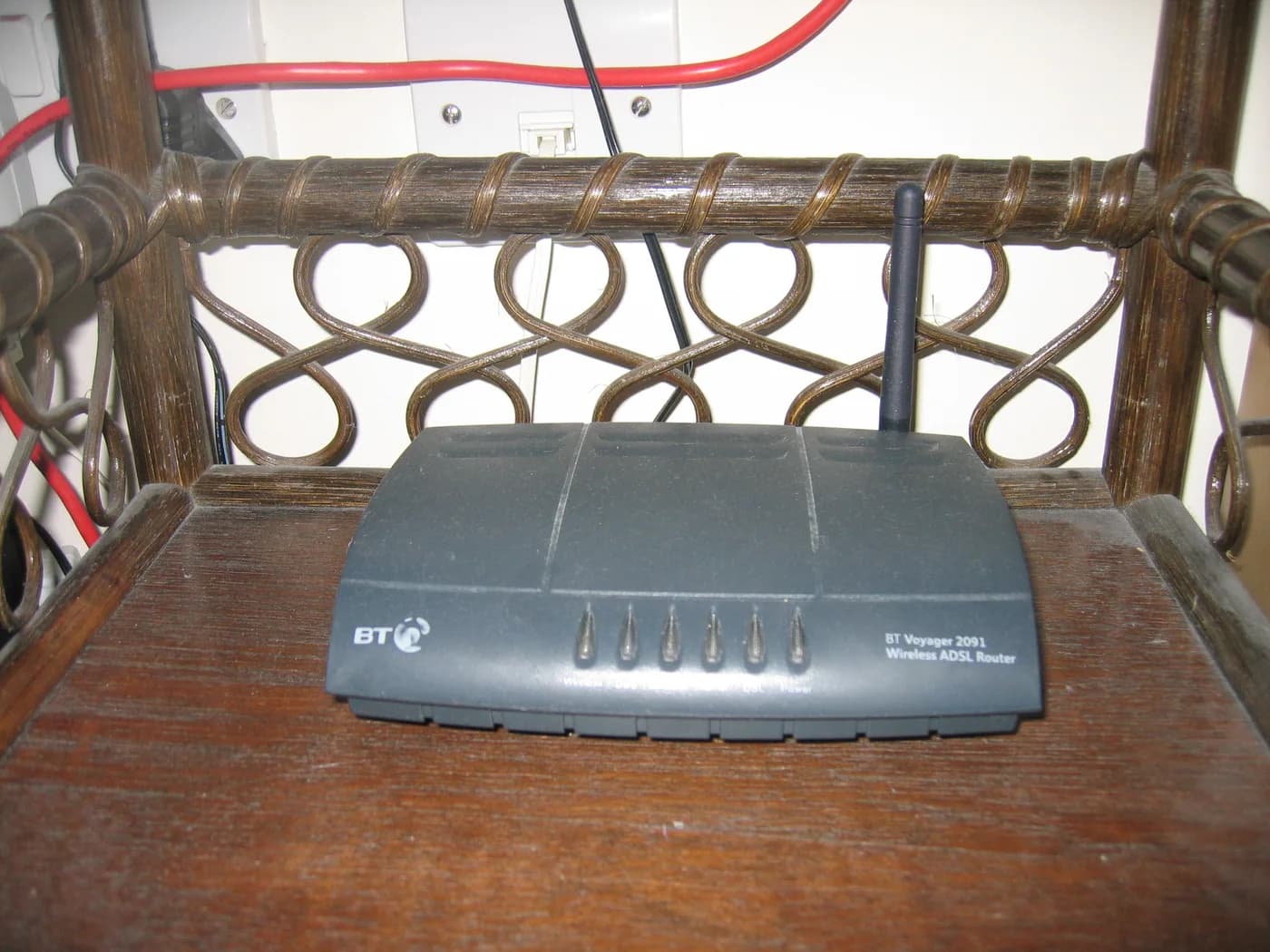
An older wireless router, shown as a network-equipment reference
Tim Walker
Source image · Image-use terms
Web versions are resized and compressed; attribution and applicable source terms are retained.
Frequently asked questions
Does a second network name prove isolation?
No. Verify the network rules and actual access from a guest device.
Can guests and payment devices share unrestricted access?
Avoid that assumption. Have the network designed and tested for the business’s actual security requirements.
Sources & further reading
- Guest Wi-Fi - ITSAP.80.023 - Canadian Centre for Cyber Security
- Wi-Fi security (ITSP.80.002) - Canadian Centre for Cyber Security
Source links checked October 23, 2026. Rules and availability may change; verify current terms directly. Read our editorial standards.