Use the evidence and practical questions in this article to test your own assumptions. Any worked examples use hypothetical inputs.
Inventory mail before changing routing
A business email migration is more than replacing MX records. Inventory users, aliases, shared addresses, groups, forwarding, calendars, contacts, archives and devices. Record the full existing DNS zone and the new provider’s current requirements. Confirm ownership and administrative access without exposing credentials in a shared checklist. A website domain move does not necessarily require moving email, so define the exact objective first. Keep public website records and email routing separate in the plan, even when the same registrar hosts both.
Prepare destinations and migrate the right data
Create the required destination mailboxes and address mappings before changing inbound routing. Use the provider’s supported migration method and check what it does not migrate: an email copy may exclude calendars, contacts, permissions or other services. Run a small pilot and compare message counts, folders or labels, attachments and date ranges. Keep the source available under a defined retention plan. A successful migration job label does not prove every account, alias and device is ready for cutover.
Plan DNS and authentication together
Document the exact MX, SPF, DKIM and DMARC changes, responsible operator and rollback values. Do not blindly replace the entire DNS zone or create competing SPF records. Third-party senders such as invoicing, newsletters and support systems need their own authentication review. Schedule the change with an overlap and monitoring plan because resolver caching can produce a transition period. A rollback should restore known values and preserve mail already received at either provider, not simply point traffic back and forget the split inboxes.
Prove delivery with real tests
Test inbound and outbound mail with independent external addresses, replies, aliases, shared mailboxes and important automated senders. Inspect authentication results in received headers and verify calendar or contact behavior where relevant. Record actual delivery and reply outcomes rather than treating a provider dashboard as end-to-end proof. Check delayed mail, bounces and source inboxes during the transition. Retire the source only after the agreed verification and retention steps, with a documented owner for any remaining discrepancy.
Keep a migration exception register
List missing folders, unsupported data types and addresses still using the source provider. Assign an owner and a safe resolution path to each. Closing the migration means those exceptions are resolved or explicitly accepted with retained access, not hidden behind one overall successful job status.
Image source and usage
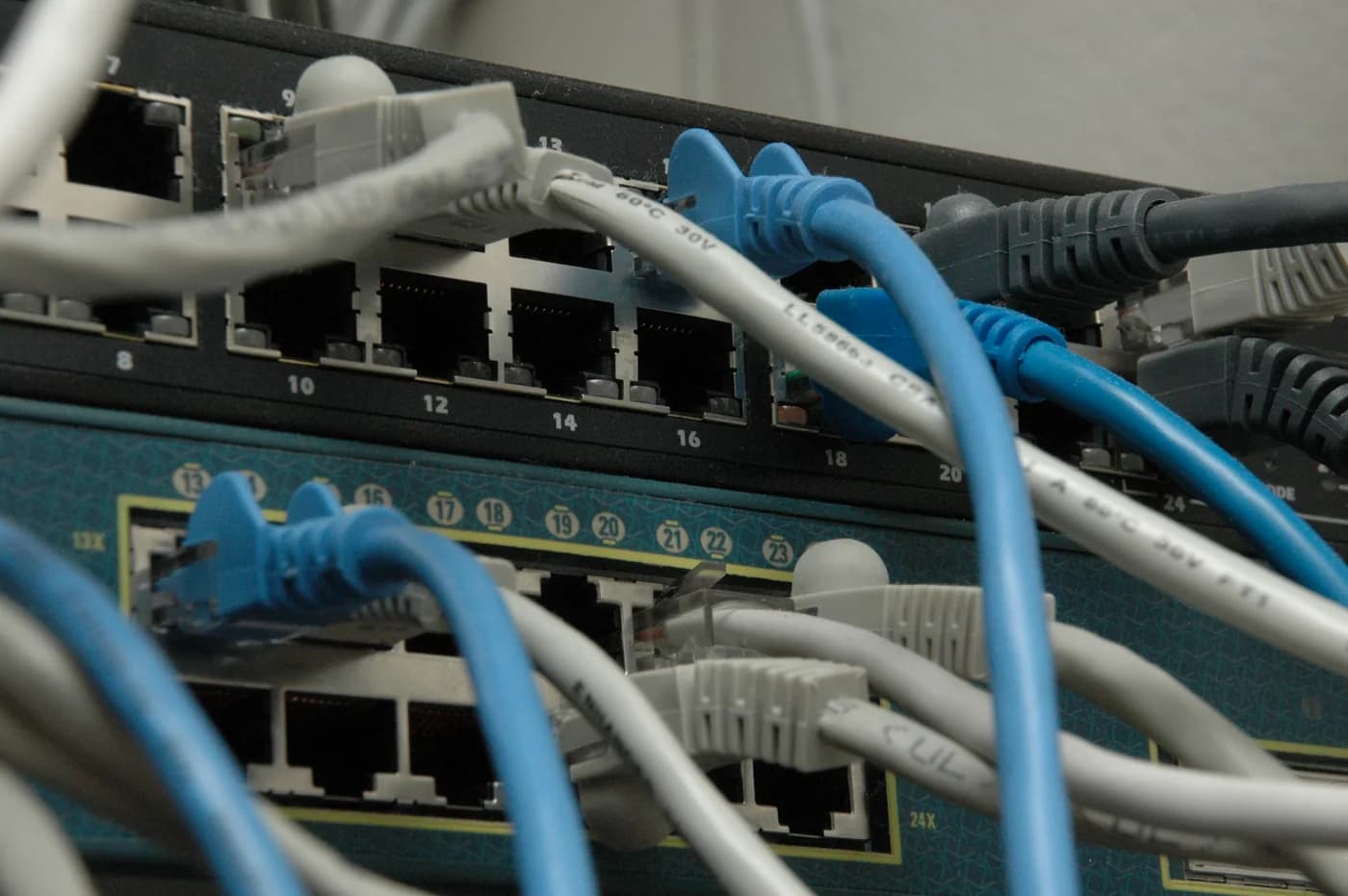
Network switches and cables, shown as an email-infrastructure reference
ShakataGaNai
Source image · Image-use terms
Web versions are resized and compressed; attribution and applicable source terms are retained.
Frequently asked questions
Does changing MX migrate old messages?
No. Routing future mail and copying existing data are separate operations.
Is a green dashboard enough to finish?
No. Verify real inbound, outbound, reply and authentication behavior for the required addresses.
Sources & further reading
- Configurer des enregistrements MX pour Google Workspace | Domain management | Google Workspace Help
- Google Workspace migration product matrix | Data migration | Google Workspace Help
Source links checked October 23, 2026. Rules and availability may change; verify current terms directly. Read our editorial standards.